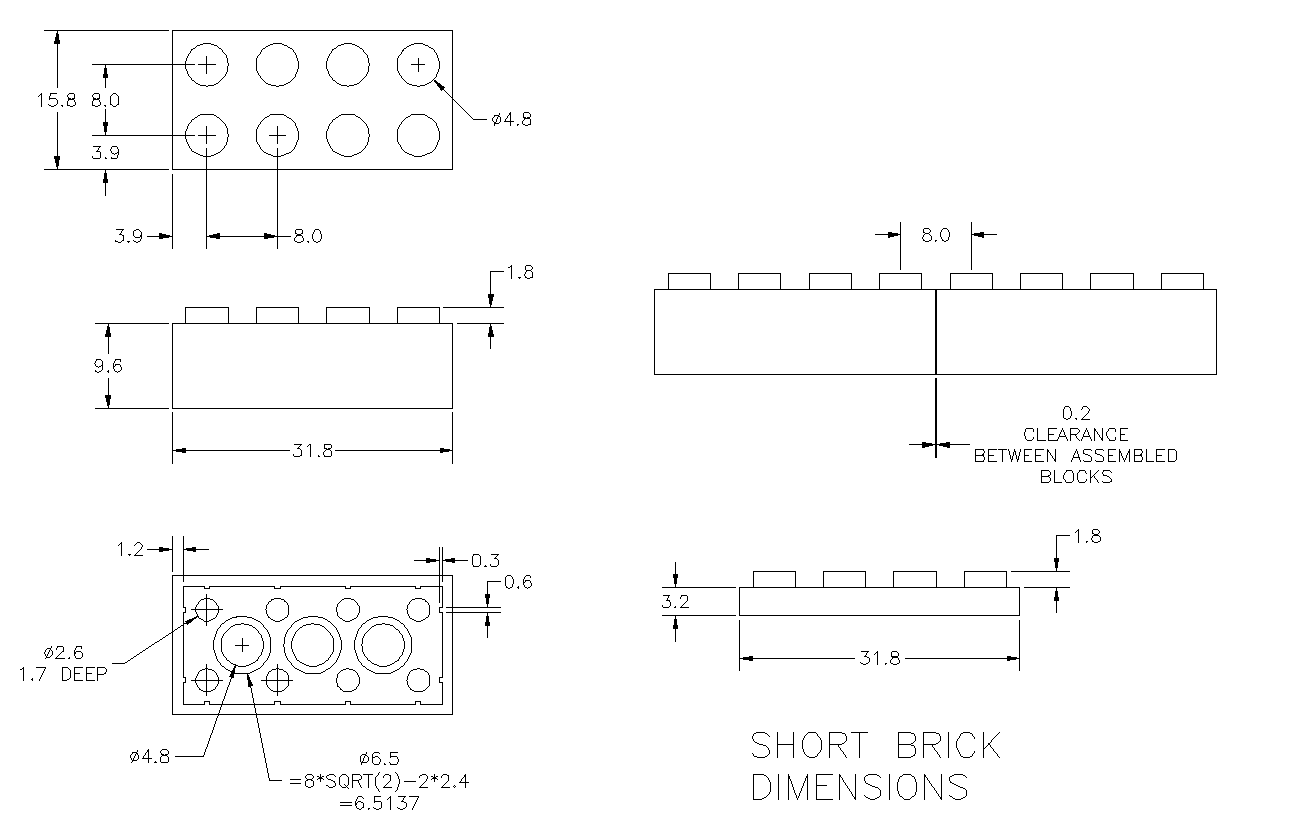
Computer-Aided Design (CAD)
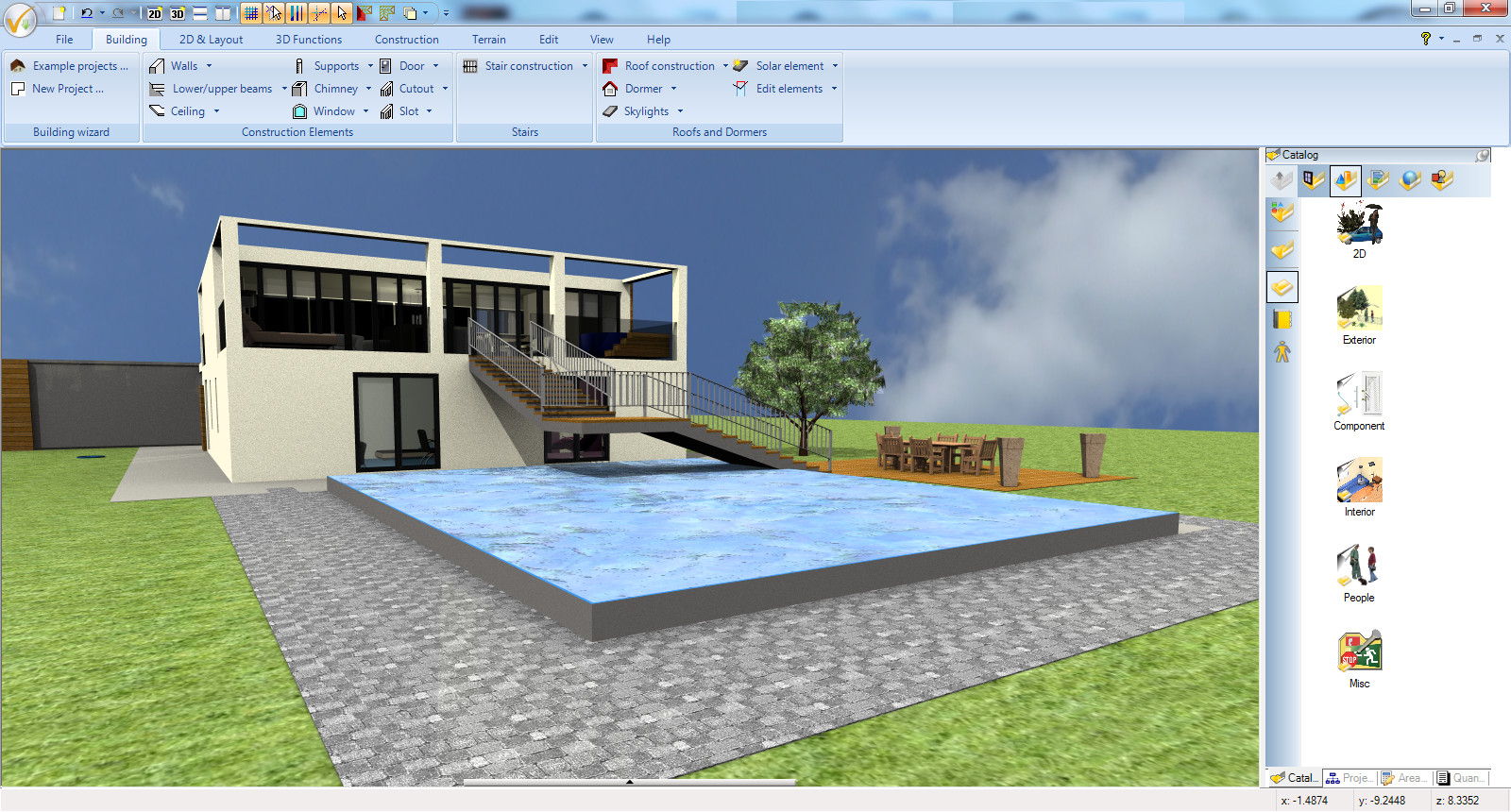
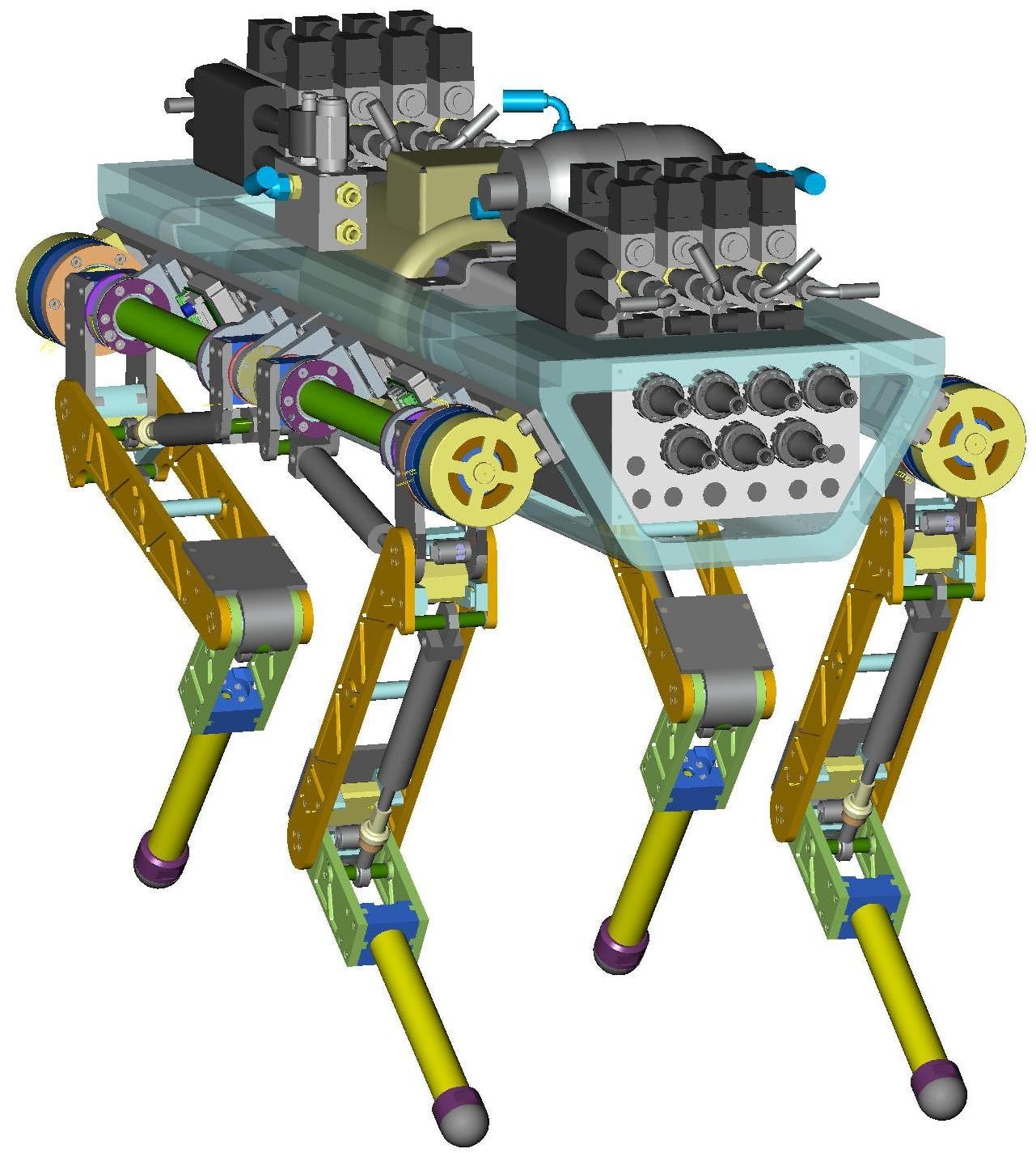
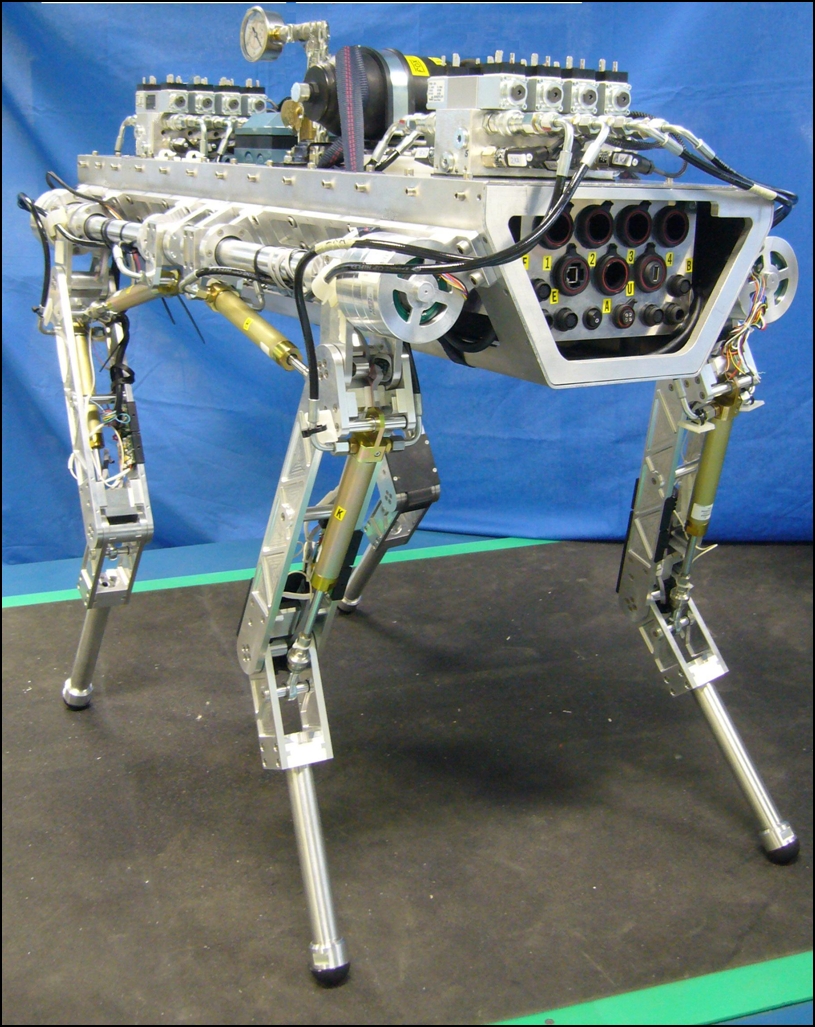
Part Making
Draw 2D Sketch
Click “sketch” button
Select sketch shape (rectangle, circle, ellipse, polygon etc)
Extrude
Click “extrude” button
Select 2D sketchd plane
Type in height
Negative Extrude / Shell
Negative Extrude: Type in negative number for extrude height
Shell: Click “shell” button and select face to extrude
Revolve
Click “revolve” button
Select sketch and axis
Pattern
Click “pattern” button
Choose type of pattern
Select solid to copy (use “Feature Pattern” not “Part Pattern”)
Select axis and direction: click on edge of the solid
Type in distance
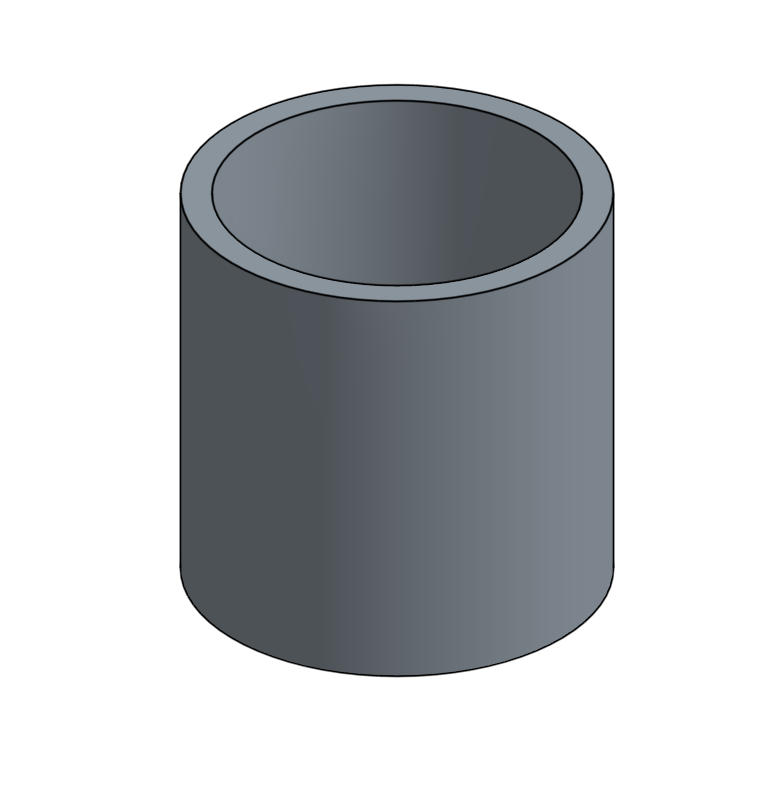
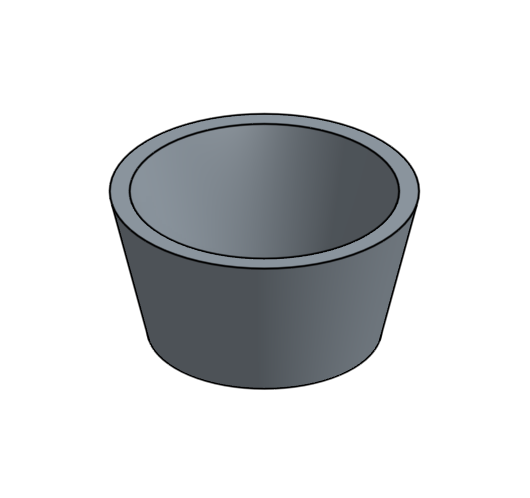
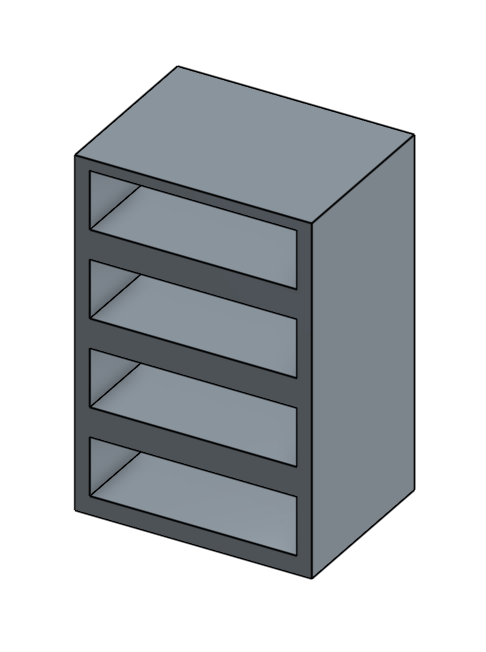
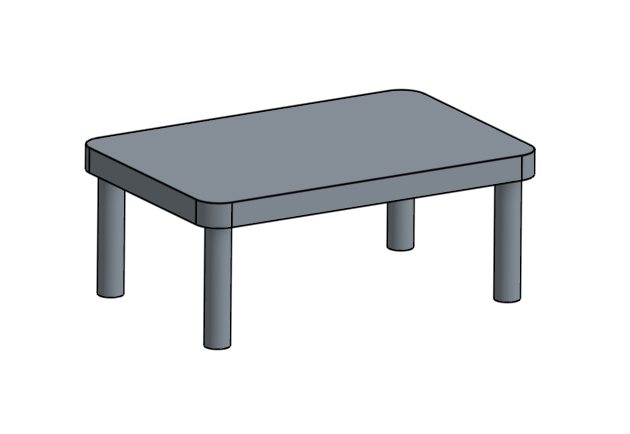
Practice Exercise
Basics
Lego